🚀 Building My Personal Portfolio Website Using Next.js & Getform
🚀 Building My Personal Portfolio Website Using Next.js & Getform
As someone curious about cybersecurity and eager to learn more about coding, I decided to build my own personal portfolio using Next.js. It’s a modern React framework that helps create fast and SEO-friendly websites with ease.
This portfolio website showcases:
- My personal introduction
- Projects I’ve worked on
- A contact form (powered by Getform)
🛠️ Tech Stack
- Next.js – React framework for building web apps
- CSS Modules / Tailwind CSS – For styling
- Getform.io – For handling contact form submissions
💡 Why I Chose Next.js
I chose Next.js because:
- It supports server-side rendering and static site generation
- Easy routing system
- Fast performance and great for SEO
- Works well with React and modern tools
📄 Contact Form Integration with Getform
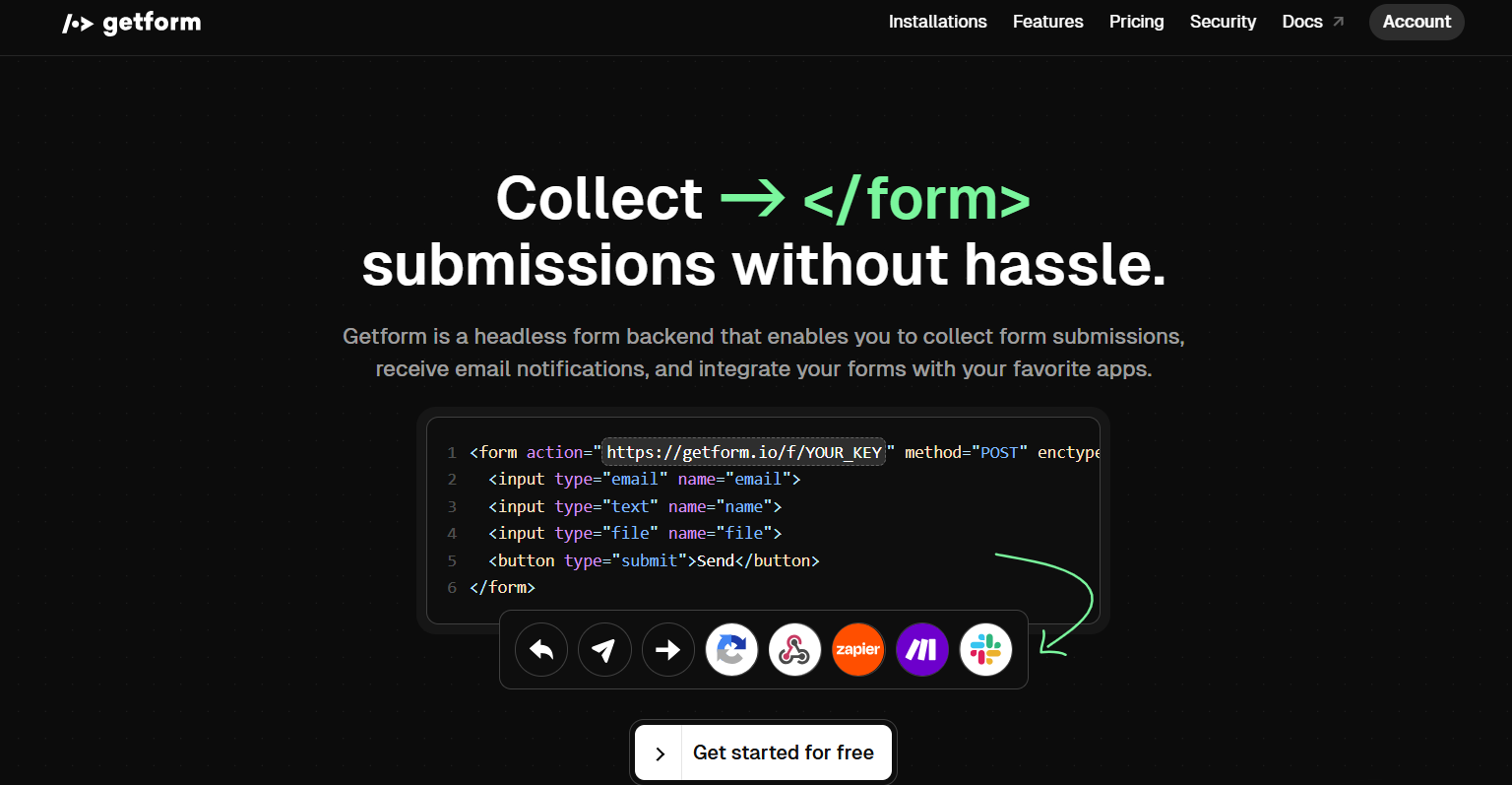
To make it easier for people to contact me, I added a form on the Contact page and used Getform to handle submissions without needing a custom backend.
Here’s a simple example of the form:
<form method="POST" action="https://getform.io/f/your-form-endpoint">
<input type="text" name="name" placeholder="Your Name" required />
<input type="email" name="email" placeholder="Your Email" required />
<textarea name="message" placeholder="Your Message" required></textarea>
<button type="submit">Send</button>
</form>
Once the form is submitted, Getform receives the message and sends it to my email.
🎯 What I Learned
Through this project, I learned how to:
- Structure a Next.js project
- Use reusable components for layout and design
- Handle form submissions using a third-party service (Getform)
- Improve my frontend workflow and design skills
📌 Conclusion
This portfolio website is a small but important step in building my personal brand as a developer. I plan to keep improving it by adding more features, animations, and maybe even a blog section.
Feel free to check it out or contact me through the form!
Let me know if you'd like to adjust the tone (e.g., more casual, more technical), or if you want a version to use specifically for a GitHub README or LinkedIn post.