Documentation

Featured Articles

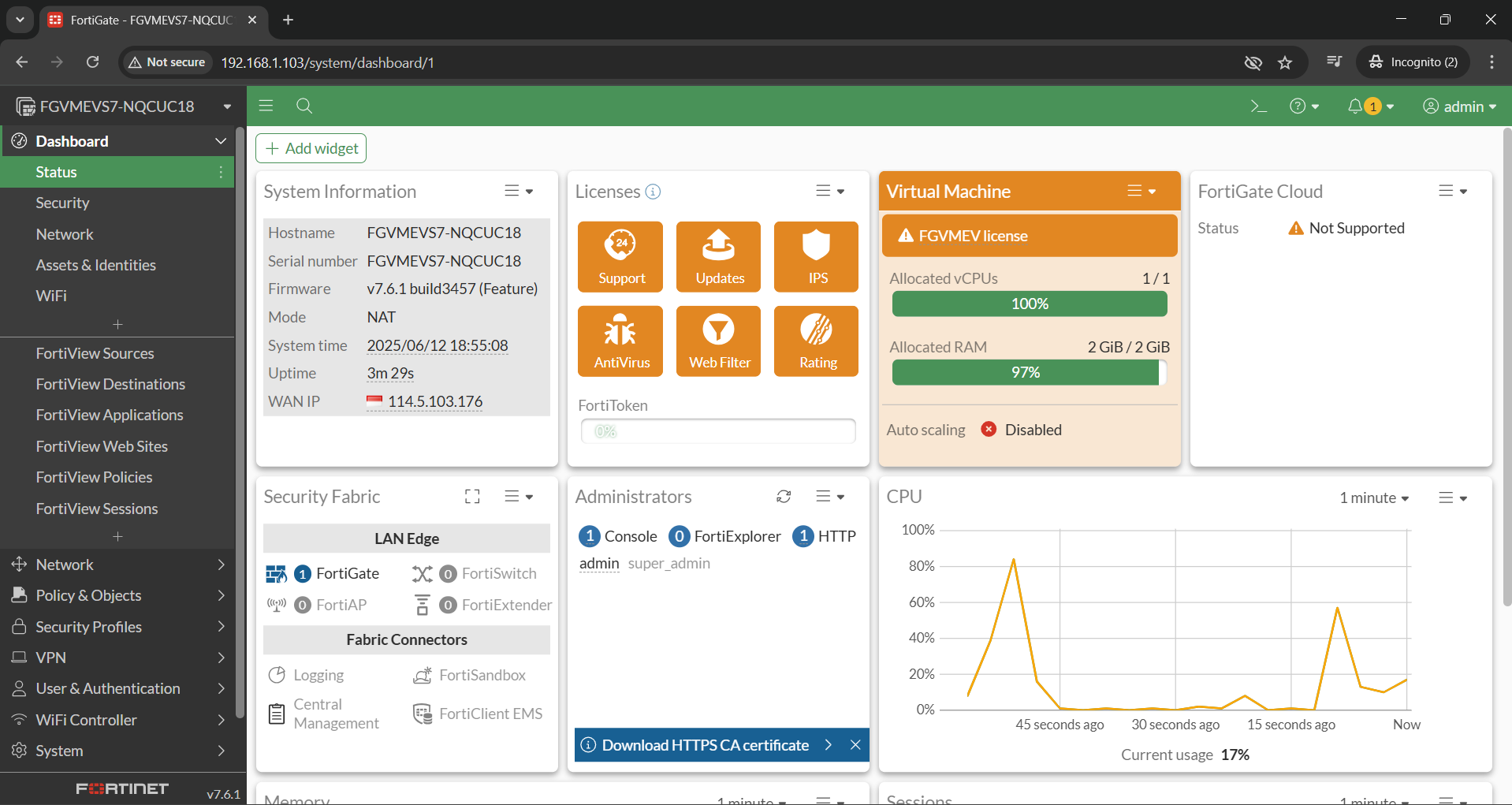
How to access Fotigate GUI in GNS3 full course


In this Documentation, you will learn how to access the FortiGate GUI in GNS3 through a simple step-by-step process. The guide covers how to install the FortiGate appliance, configure the network settings within GNS3, and connect the virtual firewall to your local browser for GUI access. You will also learn how to register and activate the FortiGate license to unlock full features. This is a beginner-friendly course designed to help you build a working FortiGate lab environment for testing and learning.


Read More

Latest Post

  • RIP Routing in GNS3: MikroTik v7, Cisco 7200 & Fortigate

    In this documentation provides a full explanation of the RIP routing configuration, passive interfaces, and internet access through FortiGate. However, the accompanying video tutorial covers only the configuration of passive interfaces and internet access, with a focus on securing external connectivity.

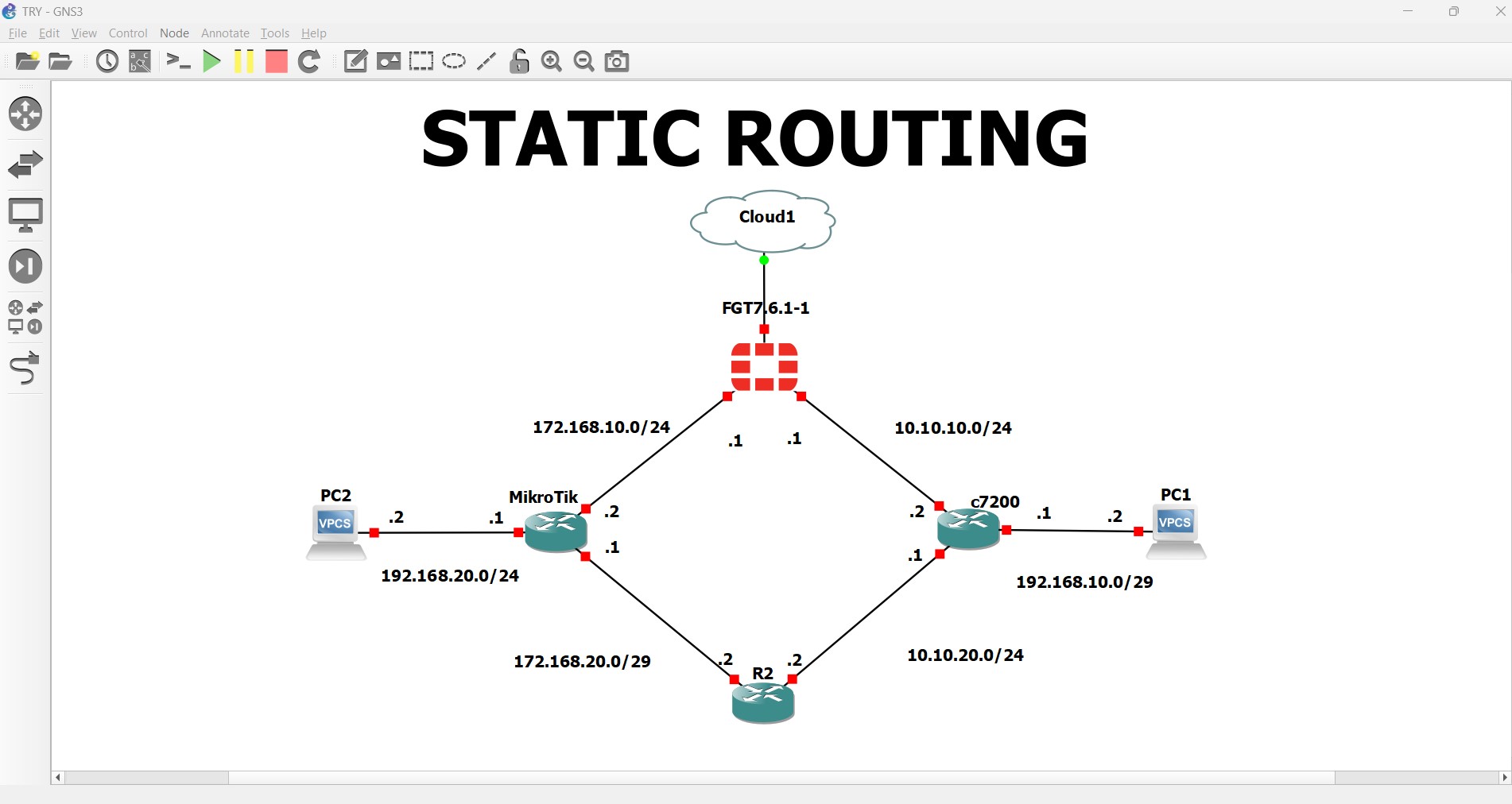
  • Static Routing with Failover: Fortigate Primary, Cisco Backup

    This setup uses static routes to handle failover. Fortigate is the main static route, and Cisco is the backup route with a higher Administrative Distance. Cisco uses IP SLA to monitor the main route and switches to the backup only if the main route fails. MikroTik can do similar failover using scripts. This way, static routing keeps your network connected without complex dynamic protocols.

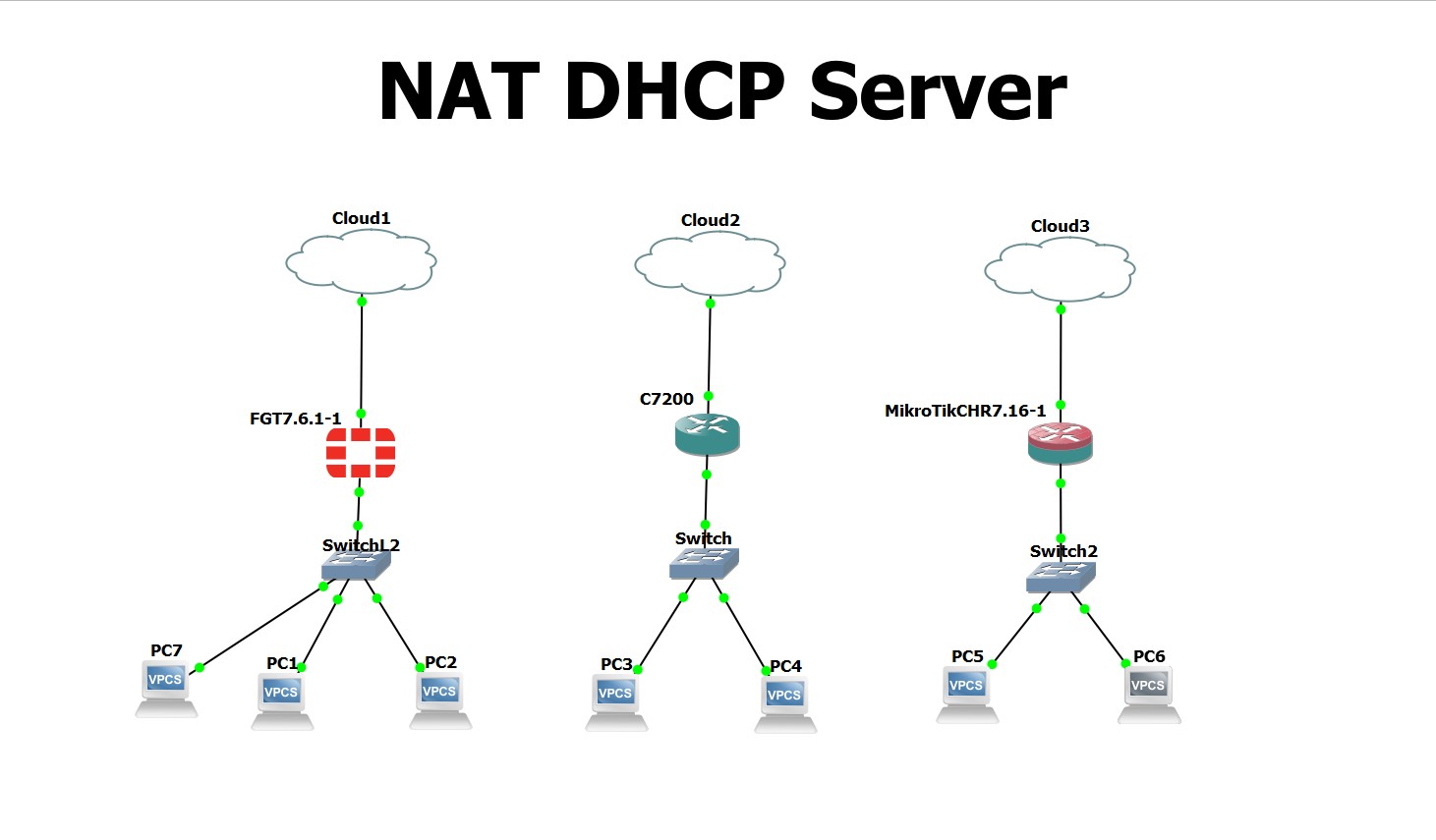
  • Internet Access for DHCP Clients Using NAT

    In this document, I configured NAT (Network Address Translation) to enable internet access as a continuation of the previous project involving the DHCP server. The setup was implemented using FortiGate 7.6, Cisco 7200, and MikroTik devices. This configuration ensures that internal clients can access external networks while maintaining a secure and efficient IP address management system.

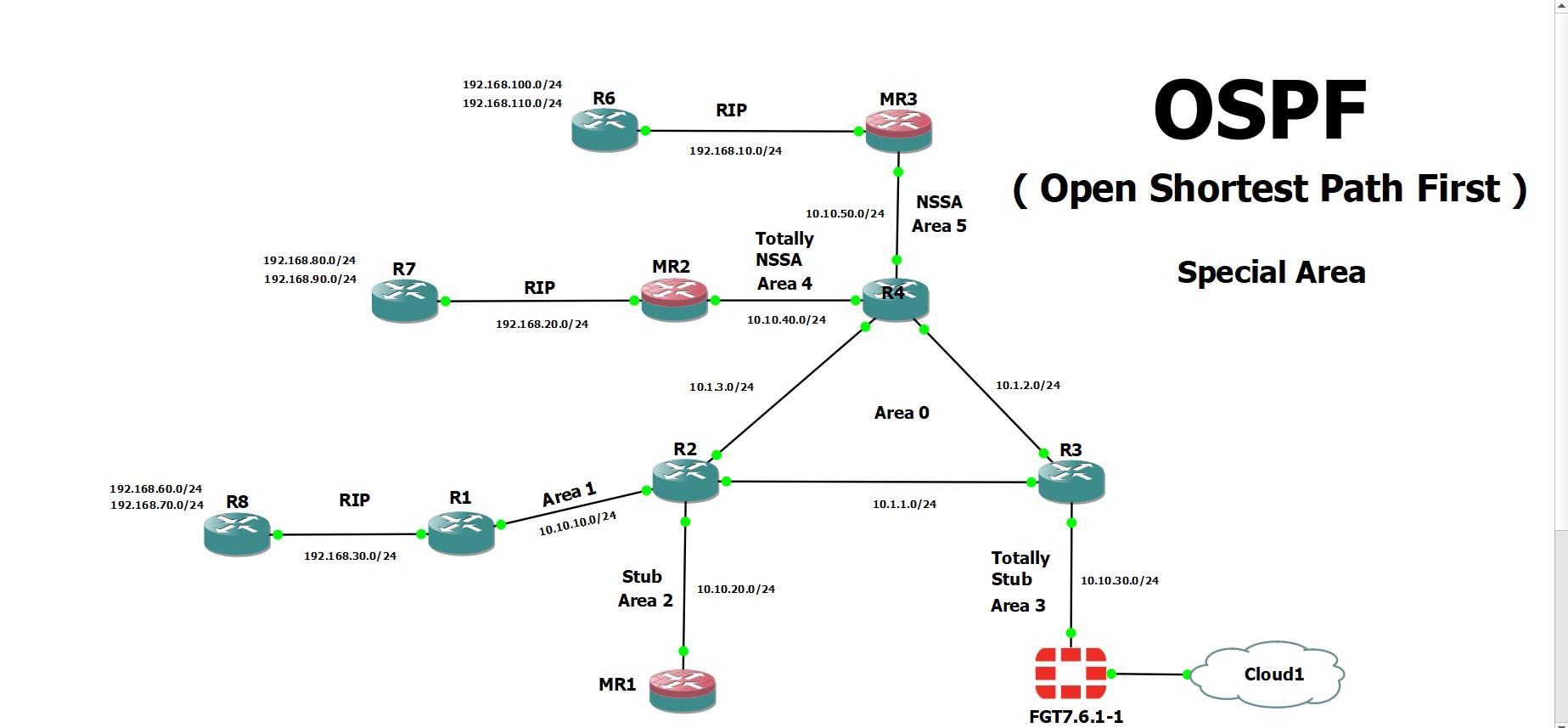
Configuring OSPF Special Areas on MikroTik v7, Cisco 7200, and FortiGate in GNS3

This documentation provides a comprehensive guide on configuring OSPF, including its features, routing optimizations, and area configurations on devices like Cisco 7200, Mikrotik v7, and FortiGate. The accompanying video tutorial, however, focuses primarily on special OSPF area configurations.
Read More

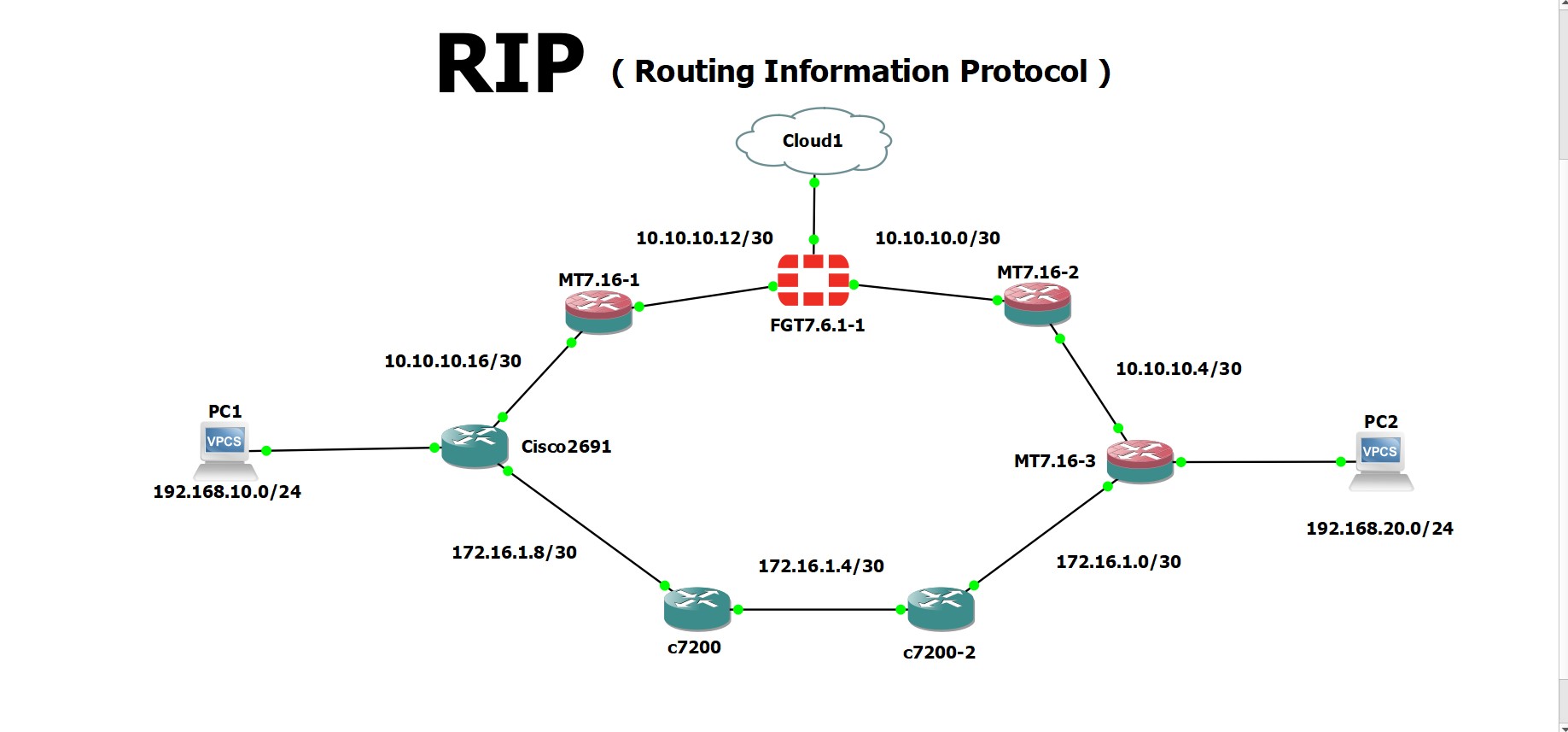
RIP Routing in GNS3: MikroTik v7, Cisco 7200 & Fortigate

In this documentation provides a full explanation of the RIP routing configuration, passive interfaces, and internet access through FortiGate. However, the accompanying video tutorial covers only the configuration of passive interfaces and internet access, with a focus on securing external connectivity.

Read More

Static Routing with Failover: Fortigate Primary, Cisco Backup

This setup uses static routes to handle failover. Fortigate is the main static route, and Cisco is the backup route with a higher Administrative Distance. Cisco uses IP SLA to monitor the main route and switches to the backup only if the main route fails. MikroTik can do similar failover using scripts. This way, static routing keeps your network connected without complex dynamic protocols.

Read More

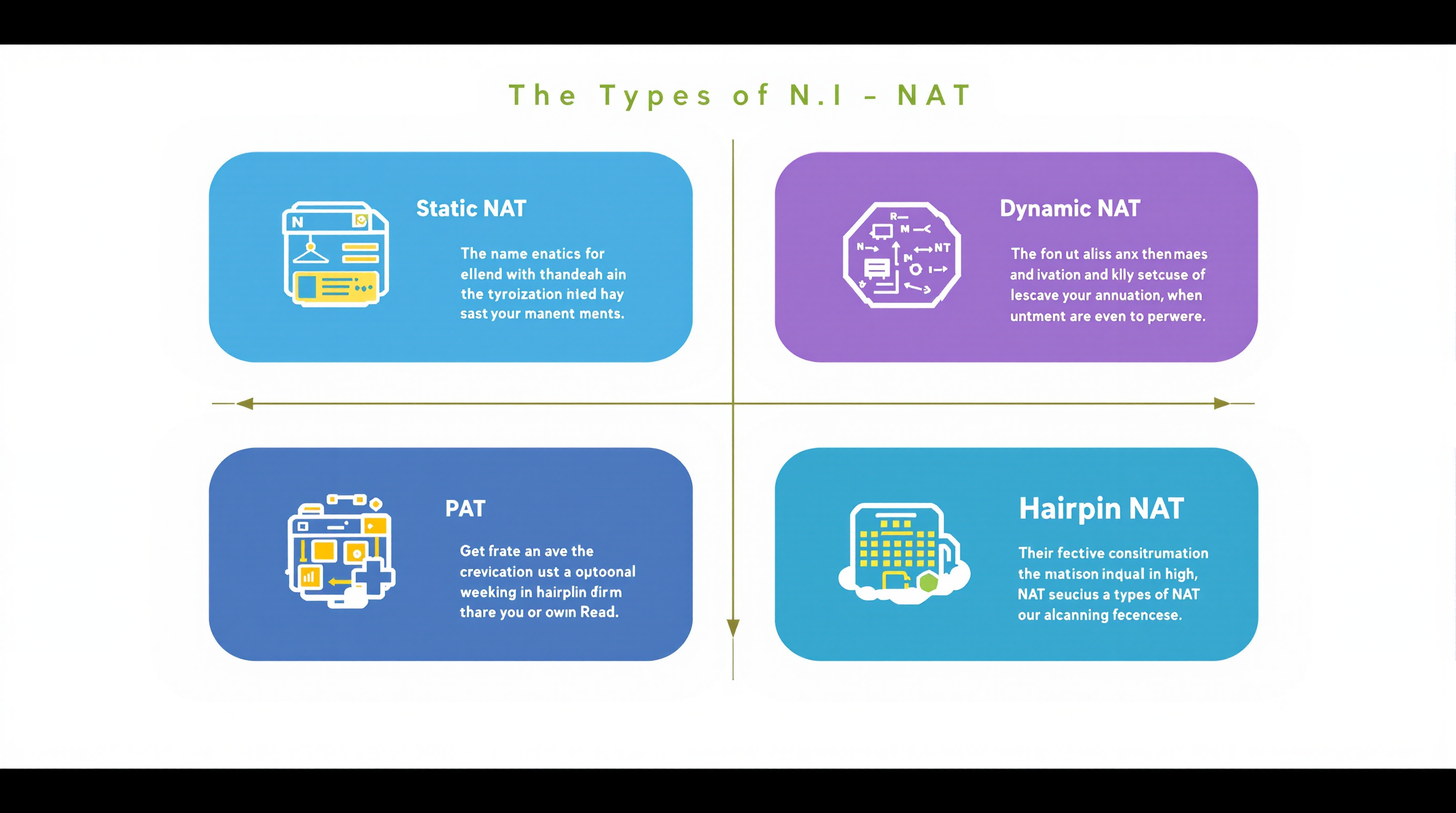
Types of NAT

In this document, I will explain the different types of NAT (Network Address Translation). NAT allows devices on a private network to access the internet using a single public IP address. The main types of NAT are: Static NAT, which maps a private IP to a specific public IP; Dynamic NAT, which assigns a public IP from a pool to a private IP; NAT Overload (PAT), allowing multiple devices to share a single public IP using different ports; and NAT Hairpinning, which lets internal devices access internal services using the public IP.

Read More

Internet Access for DHCP Clients Using NAT

In this document, I configured NAT (Network Address Translation) to enable internet access as a continuation of the previous project involving the DHCP server. The setup was implemented using FortiGate 7.6, Cisco 7200, and MikroTik devices. This configuration ensures that internal clients can access external networks while maintaining a secure and efficient IP address management system.

Read More

DHCP server on Mikrotik, Cisco 7200, and Fortigate in GNS3

In this project, I tested the DHCP server on three network devices in the GNS3 network simulation: FortiGate, Cisco, and MikroTik. The goal was to show how each device handles IP address assignment, its configuration, and capabilities. I configured FortiGate through its web GUI and CLI to provide DHCP services, Cisco with traditional IOS CLI commands, and MikroTik with terminal commands. This documentation provides guidance for setting up each device as a DHCP server and highlights differences and best practices in multi-vendor environments.

Read More

🚀 Building My Personal Portfolio Website Using Next.js & Getform

As someone passionate about technology and always looking to improve my skills, I decided to build my own personal website. This project is not just a way to showcase my background and projects, but also a way to practice real-world web development.

Read More

VLSM (Variable Length Subnet Mask)

VLSM is a method used to allocate IP addresses more efficiently by assigning subnet masks of different lengths based on the number of hosts required per subnet. This avoids wasting IP addresses and helps save router resources.

Read More

Using Kali Linux for Security Testing

Lorem ipsum dolor sit amet, consectetur adipiscing elit, sed do eiusmod tempor incididunt ut labore et dolore magna aliqua. Ut enim ad minim veniam, quis nostrud exercitation ullamco laboris nisi ut aliquip ex ea commodo consequat. Duis aute irure dolor in reprehenderit in voluptate velit esse cillum dolore eu fugiat nulla pariatur. Excepteur sint occaecat cupidatat non proident, sunt in culpa qui officia deserunt mollit anim id est laborum.

Read More

Update My Library Project

Started in 2021 with Laravel 7.30 and PHP 7.4, this personal library system offers online/offline management with a new flipbook reader, simplified borrowing/returning with auto fines, and updated UI. The interface is in Indonesian. Source code: https://github.com/Rembesz/perpustakaan.

Read More

How to access Fotigate GUI in GNS3 full course

In this Documentation, you will learn how to access the FortiGate GUI in GNS3 through a simple step-by-step process. The guide covers how to install the FortiGate appliance, configure the network settings within GNS3, and connect the virtual firewall to your local browser for GUI access. You will also learn how to register and activate the FortiGate license to unlock full features. This is a beginner-friendly course designed to help you build a working FortiGate lab environment for testing and learning.

Read More